Your computer finally has someone in it.
Reges is a private AI assistant that recognises your face, follows your hands and answers your voice, then does the work: opens your files, drafts your email, researches for you and runs your tasks. All on your own PC.
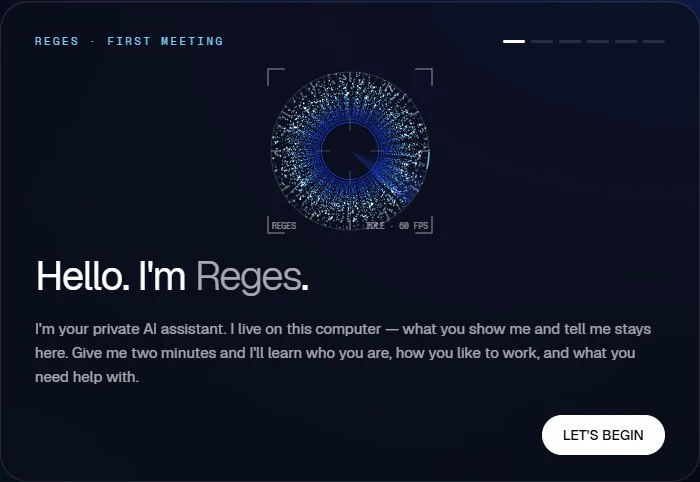
It knows you
Sit down and Reges greets you by name. It learns your face in a few seconds and answers to you.
It moves when you do
Pinch a window and drag it. Spread two hands to make it bigger. Fling it away to close it. Your desk becomes the interface.
It does the work
“Pull up my scripts folder.” “Draft a reply to Sam about Friday.” “Research solid-state batteries.” Reges does it, then tells you, out loud.
Fifteen minutes. Then just talk.
- 01
Install Reges and a free local model
About 15 minutes, most of it the model download. LM Studio, Ollama and any OpenAI-compatible server work.
- 02
Say “Reges, remember me.”
It learns your face and voice, and asks how it should sound and what it should help you with.
- 03
Talk, point, pinch.
That is the whole manual.
Your PC
- Webcamface + objects
- Microphonespeech-to-text
- Voicetext-to-speech
- Agent316 tools + skills
- Memoryon your disk
Local model server
LM Studio · Ollama · llama.cpp · any OpenAI-compatible endpoint
GPU · your VRAM
Built for a strong desktop PC.
Reges is made for the kind of PC people already use for gaming or creative work. The bigger your GPU, the bigger the local model you can run, and the faster it answers. Smaller machines can run smaller models, with simpler answers.
Recommended
- System
- Windows 10 or 11
- Processor
- A modern 8-core CPU
- Memory
- 32 GB RAM
- Graphics
- A GPU with 12 GB of video memory, for example an RTX 4070
- Camera + mic
- Any webcam and microphone
- Internet
- Only to download Reges and your models
Start free. No per-message bills.
Try Reges for 14 days. If it does not earn a place on your desk, you get every cent back.
Launch pricing, subject to change
Founder Lifetime
Launch offer$199one-time
First 500 licences
- Everything in Pro, for life (Reges Desktop)
- Up to 3 PCs
- Founder badge and a vote on the roadmap
Pro
$29/ month
or $290 / year
The whole Reges desktop
- Face, hands, voice and vision
- Reges Code Pro, Engineer mode and Teams (as they ship)
- Reges Build app builder (when it ships)
- Up to 3 PCs · priority updates
Max
$99/ month
or $990 / year
For builders who run many agents
- Unlimited parallel agents
- Cluster and DGX Spark mode (when it ships)
- Phone companion (when it ships)
- Priority support and early features
Free$0
Reges Free: the core assistant with free cloud or local models.
Before you install.
Where does my data go?
Nowhere. Camera frames, audio, files and conversations are processed on your own computer. There is no Reges cloud to send them to. The only things that reach the internet are the ones you ask for: web research, updates and the connectors you choose to set up.
Does it need the internet?
Only to download Reges and its AI models. After that the core (seeing, listening, speaking, thinking) runs offline. Web research and online connectors need a connection when you use them.
Is it just another chatbot?
No. A chatbot answers. Reges acts: it opens folders, writes files, drafts email, plans your tasks, researches the web and remembers what matters to you, using 316 tools and a skills library of about 150 skills.
Which AI models can I use?
Any model you run locally in LM Studio, Ollama, llama.cpp or another OpenAI-compatible server. If you ever want a cloud model for a particular job you can point Reges at one, but local is the default.
What computer do I need?
Windows 10 or 11, a modern 8-core CPU, 32 GB of RAM and a graphics card with 12 GB of video memory, plus a webcam and a microphone. Smaller machines can run smaller models, with simpler answers.
Can it do something I did not ask for?
Anything that leaves the machine or cannot be undone (sending email, posting, paying, deleting, deploying) waits for your explicit yes. The agent is told never to work around that step, and the server refuses those actions without it.
What is lockdown mode?
One command locks Reges down. Until it has verified the owner’s face through the webcam, or the master password is entered, it takes no further actions.
What if it is not for me?
Reges Desktop comes with a full refund within 14 days of purchase. Just write to us.