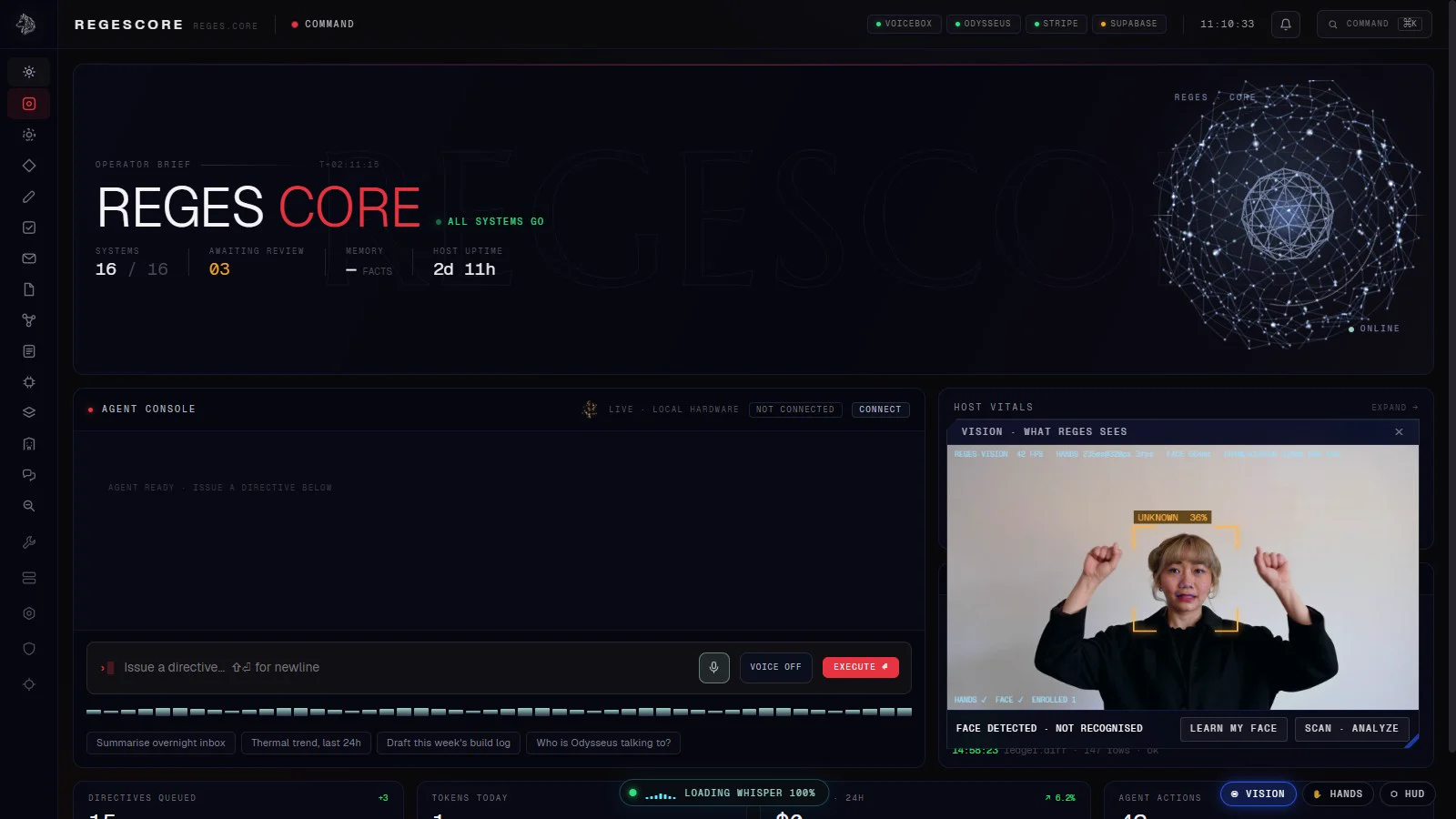
Everything it does. All of it on your machine.
Reges combines a camera that knows you, hands that move windows, a voice that answers and an agent that acts. Here is each part, exactly as it works today.
316
agent tools and actions
~150
skills in the library
36
personas
27
connectors
It sees you.
- Owner recognition from a face embedding matched against the enrolled owner, on this PC.
- A name only appears once it wins 3 of the last 5 detections, so recognition does not flicker.
- Frames go to the local vision model only when you ask, through an API that answers to this machine alone.
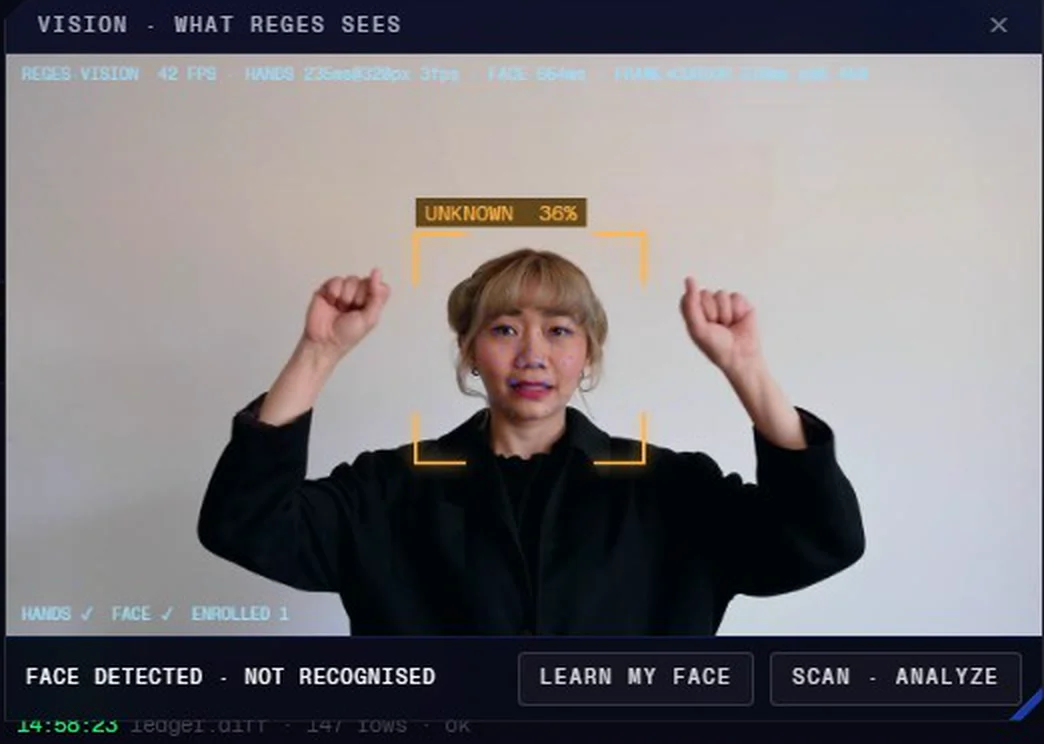
It follows your hands.
- Pinch to grab and drag; in a list, pinch to scroll.
- Pinch and release to tap: open a folder, press a button.
- Two-hand pinch to resize: spread apart to make it bigger.
- Pinch and fling to throw a window off screen and close it.
- Two modes: windows floating over the dashboard, or the full neural interface. Ctrl+Shift+V toggles it; the mouse works too.
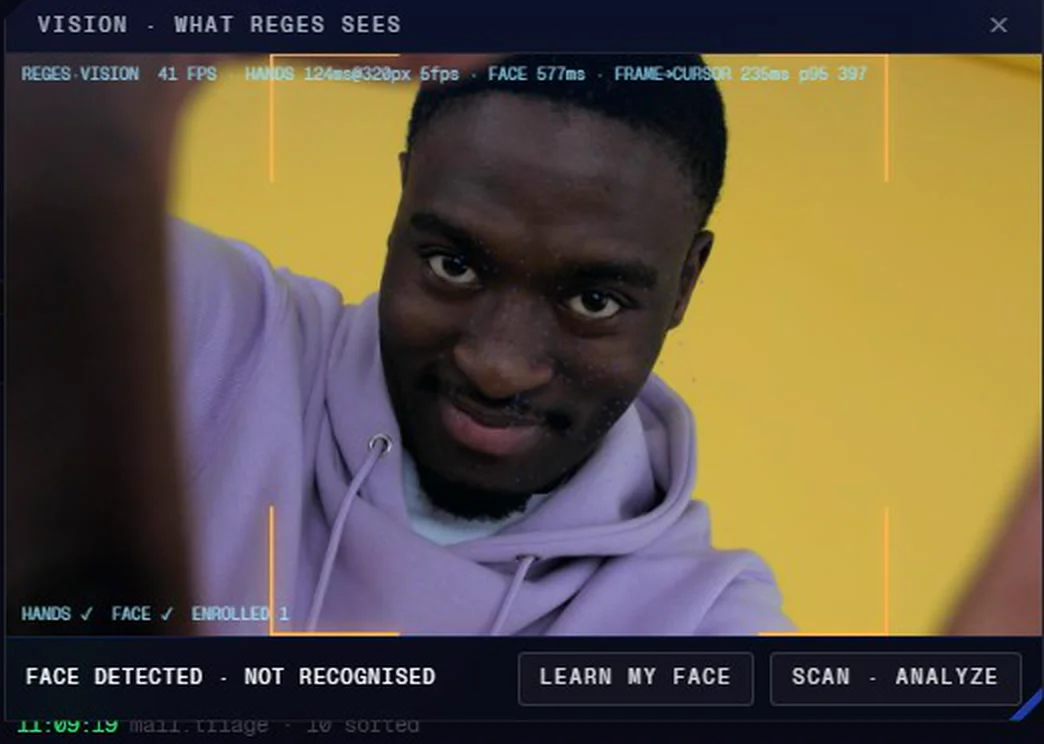
It talks back.
- Wake word “Reges”, in one breath or with a pause (“Reges?” … “Yes?”).
- After it answers, follow-ups need no wake word for 12 seconds.
- Whisper speech-to-text runs in a background worker; replies are spoken by a local Kokoro voice.
- Talk over it and it stops to listen. A live level meter shows the microphone really hears you.
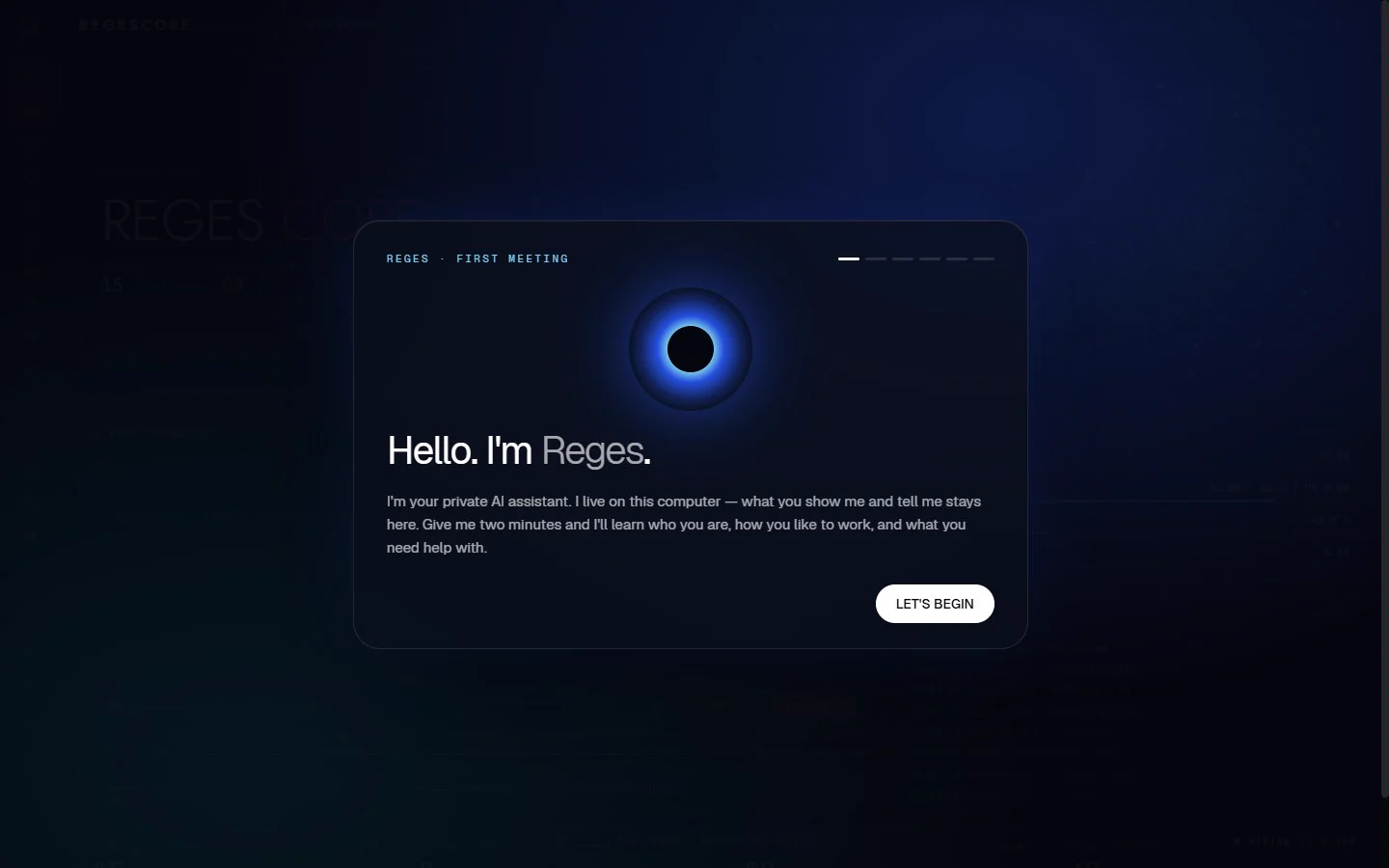
Then it does the work.
- Email over IMAP/SMTP: triage, drafts and replies (sending waits for your yes)
- Document search with sources, over the folders you choose
- Knowledge graph, notes, journal and Obsidian vaults
- Tasks and plans
- MCP servers
- Give it an objective and it plans the steps as tasks you can follow.
- Every action has a risk level (read, write or confirm). Confirm actions never run without your explicit yes.
About 150 skills. 36 personas.
A few of the skills
- daily-planning
- inbox-zero
- meeting-notes-actions
- research-brief
- decision-memo
- proposal-writing
- invoicing-and-collections
- cash-flow-forecast
- customer-support-triage
- lead-follow-up
- gdpr-request-handling
- data-breach-response
- phishing-triage
- secret-leak-response
- deploy-verification
- backup-restore-drill
- local-model-selection
- rag-ingestion
- release-notes-draft
- sop-writing
- translation-locale-parity
- weekly-business-report
A few of the personas
- Executive assistant
- Research librarian
- Senior engineer
- Operations manager
- Finance controller
- Customer support lead
- Legal intake clerk
- Security analyst
- Tutor
- Thinking partner
- Copywriter
- Front-desk concierge
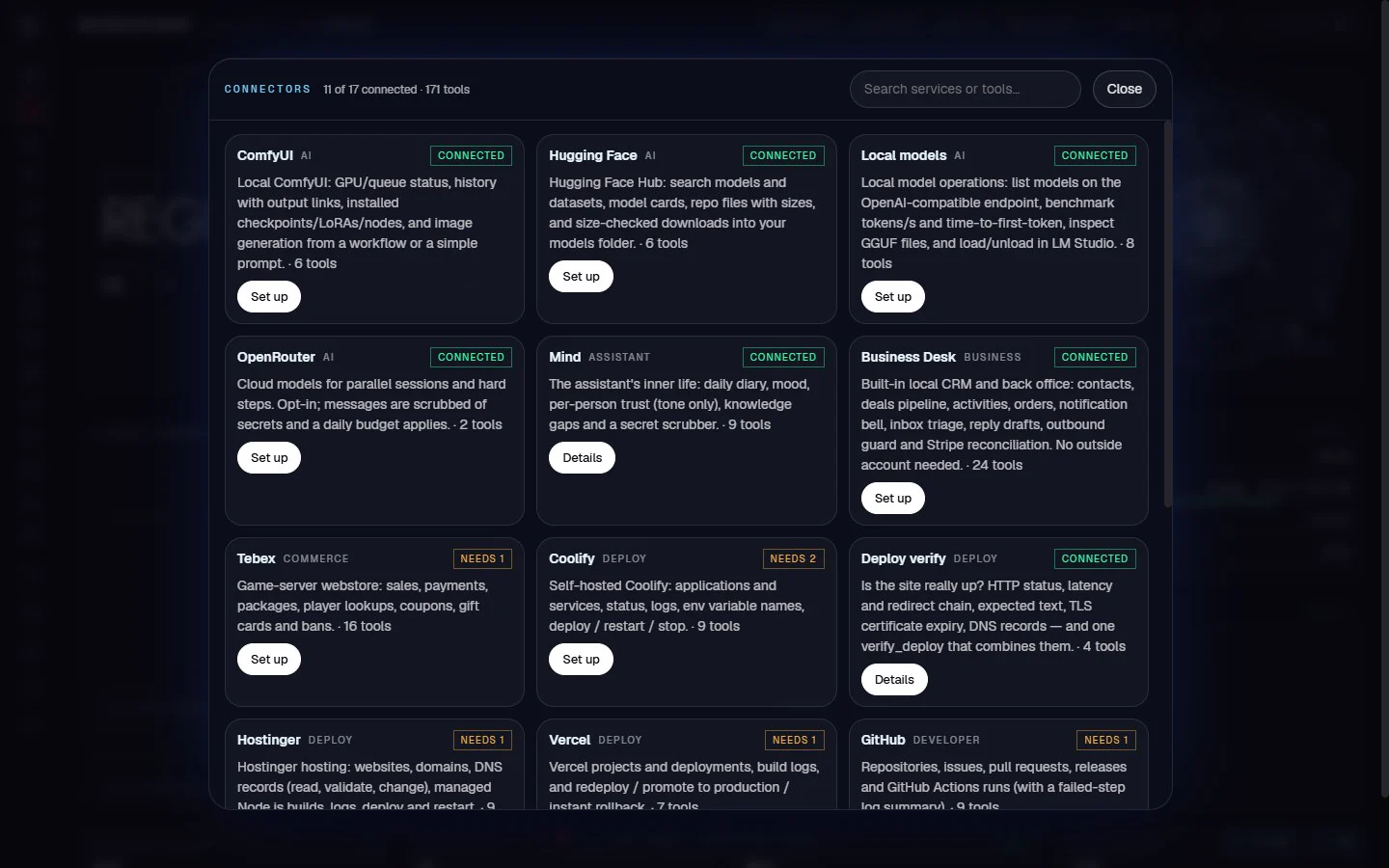
27 connectors. Your accounts, your keys.
Each connector uses your own credentials, stored on your machine. Anything that posts, sends, deletes or deploys waits for your yes.
AI
Local models
LM Studio, llama.cpp, Ollama or vLLM: list, benchmark, load and unload models, and inspect GGUF files.
Hugging Face Hub
Search models and datasets, read model cards and download files into your own models folder.
ComfyUI
Queue image generations on your own ComfyUI server and read the history.
Mind
The assistant’s diary, mood, knowledge gaps and secret scrubber. Built in, nothing leaves the machine.
OpenRouter
Optional, cost-capped cloud models, used only when you ask and only after personal data is scrubbed.
Providers
Keeps track of every model backend Reges can call, local or cloud, so the router can pick the right one.
Business
Desk
A built-in local business desk: contacts, deals, activities, orders, notifications and inbox triage.
Meta
Facebook Pages and Instagram Business: posts, comments and messages. Publishing waits for your yes.
Discord
Read and post through your own bot or a channel webhook. Posting and moderation wait for your yes.
Tebex
Your webstore for game servers, through the store’s own Plugin API key.
Developer
Engineer
Devin-style engineer mode: sandboxed git worktree, a test loop and a gated GitHub PR when it is done.
GitHub
Repositories, issues, pull requests, releases and Actions runs, including GitHub Enterprise Server.
Vercel
Projects, deployments and build logs; redeploy, promote and roll back.
Coolify
Your self-hosted PaaS: applications, services and deployments. Env values never leave Coolify.
Hostinger
Websites, domains, DNS zones and managed Node.js apps through the Hostinger API.
Deploy verify
Proves a site is really up after a deploy: HTTP, TLS and DNS checks from your machine.
Release gate
One call answers “can this folder ship?” for Node and Python projects.
Everyday
Documents
Reads, extracts and OCRs PDFs and documents in the folders you choose.
Knowledge
A local knowledge graph and notes search over your own files and Obsidian vaults.
Everyday
Quick calculators and everyday lookups: unit conversion, dates and simple maths.
Life admin
Public holidays and other everyday life-admin lookups.
Money info
Currency conversion and financial reference lookups.
Weather
Local weather and short-range forecasts for planning your day.
Customer help
Customer-support triage and FAQ answers drawn from your own documents.
Home Assistant
Control and query your Home Assistant smart-home devices.
Game servers
Cfx server
FiveM and RedM server health, config linting and security checks.
Cfx natives
The public RedM and FiveM native databases, with a checker for scripts.
It gets better every day.
- Facts are kept per subject, capped at 12 each: the least important or oldest is replaced, near-duplicates merge, and a contradicted fact is replaced.
- Everything passes a secret scrubber first, so a pasted API key, token, card number or password is never remembered.
- At 03:00 each night it consolidates, logs the day and writes a short diary entry with the knowledge gaps worth researching next.
- Mood only changes tone. Trust only weights memory. Neither ever grants permissions.
data/learning · illustration
observe
“I prefer short replies, and I’m in Lisbon next week.”
facts · operator (max 12)
+ Prefers short replies salience 0.8
+ Travelling to Lisbon next week salience 0.6
scrub
“my key is sk-…” → [REDACTED:openai_key] · never stored
nightly · 03:00
merge · drop stale · diary entry · gaps to research next
One word. Locked down.
- Unlock by a stable owner-face match through the webcam, or with the master password.
- The master password is stored as a salted scrypt hash, never in plain text.
- Remote logins lock an address out for five minutes after eight wrong passwords.
Lockdown
Owner verification required. Look at the camera, or enter the master password.
Wording from the Reges lock screen
Nothing leaves your PC.
- The server binds to 127.0.0.1 by default and refuses requests from other sites and unknown host names.
- Bring your own model: LM Studio, Ollama, llama.cpp or any OpenAI-compatible endpoint.
- When a developer connector finds a secret in your code, it reports its type and location, never the value.
- Read the details on the security page.